
How to read Token Overview page
Token Overview is designed to help you quickly evaluate potential tokens and identify your next trading idea by combining trader behavior, market sentiment, and key risk indicators in one place.
Here are the 4 key sections you need to understand when reading this page:
[1] Check the overview

Here, you will find:
- Total active positions – The number of wallets currently holding trades
- 24h Open Interest – Total active positions value in the last 24 hours
- Liquidations – Liquidation data across multiple timeframes (1H, 4H, 24H, 7D)
- Sentiment indicators – Shows which group of traders is the most bullish or bearish
💡 Tips for you:
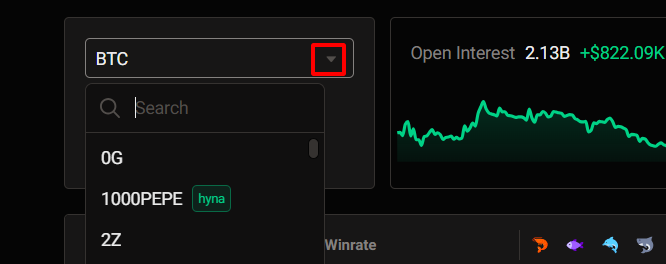
Use the search bar to enter a token name and quickly focus your analysis on a specific token.
[2] Bias trend
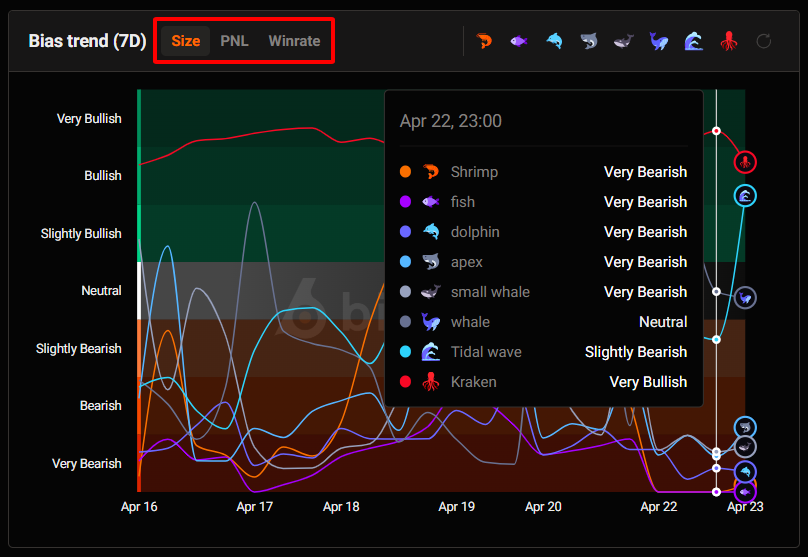
Here, you can track how different trader groups (by winrate, PnL, and capital size) shift their sentiment over time for each specific token.
[3] Liquidation map
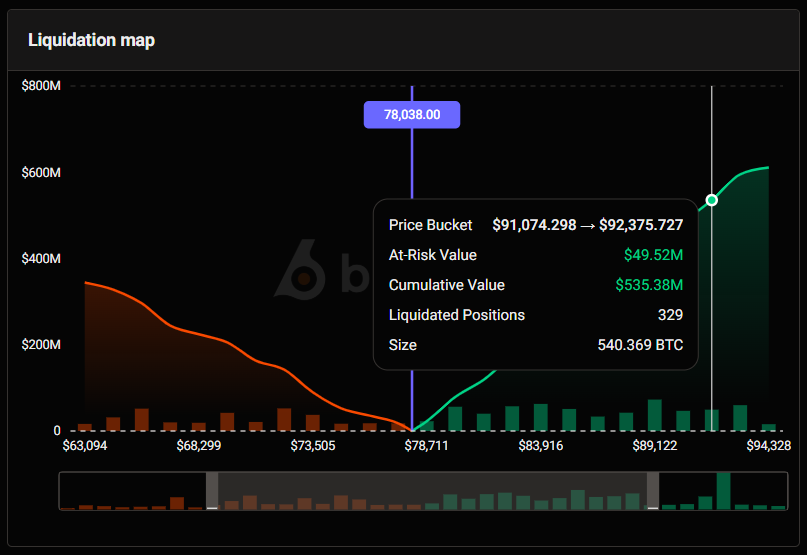
The Liquidation Map visualizes high-density liquidation zones across different price levels, helping traders identify areas where volatility, reversals, or liquidation cascades may occur.
- Price Bucket: Each vertical section represents a price range where leveraged positions may get liquidated.
- At-Risk Value: The total position value at risk of liquidation if price enters this range.
- Cumulative Value: The total liquidation value accumulated between the current price and a target price level.
- Liquidated Positions: The estimated number of positions that may be liquidated within the selected price bucket.
- Size: The estimated total position size at risk of liquidation in the selected range, displayed in $Token.
💡 Tip for you: Hover to view detailed liquidation data (price range, at-risk value, liquidares positions,…).
[4] New Positions
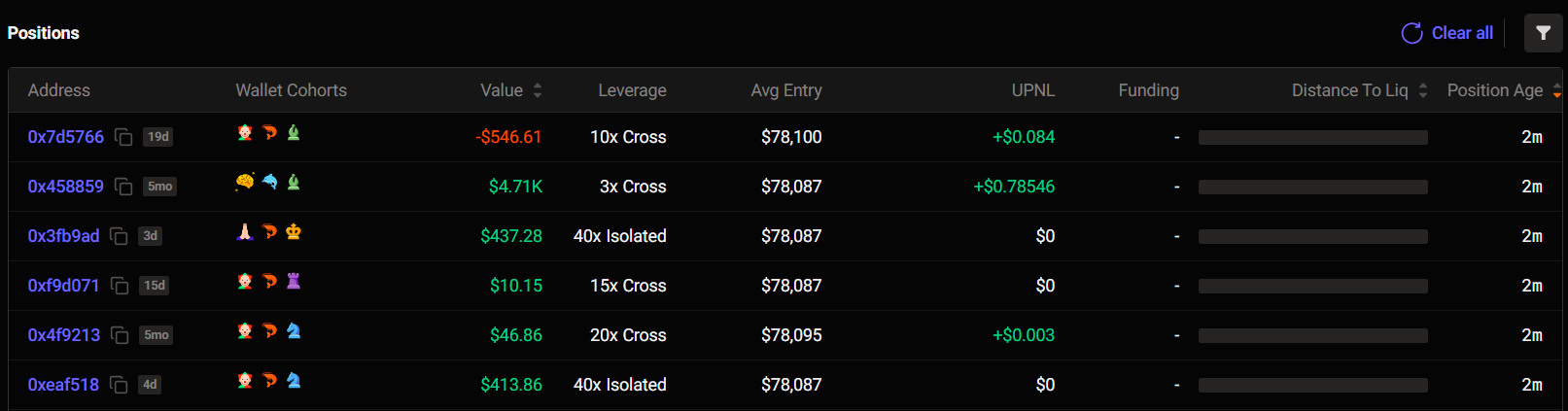
Shows the latest positions opened by traders in real-time, helping you track who is entering the market and spot early moves.
💡 Tip for you:
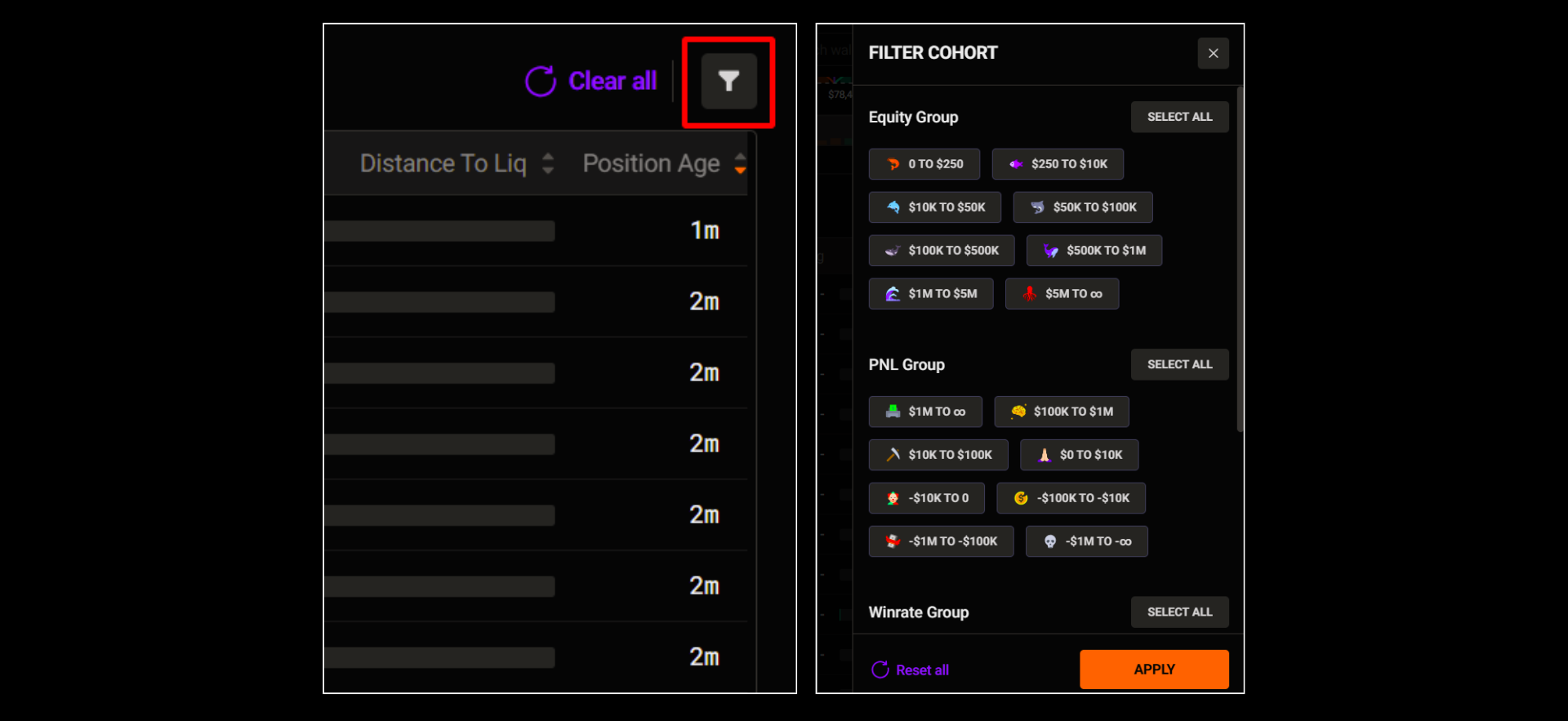
If you want to filter positions by specific trader groups, click the filter icon to select your preferences.
You’ll need:
Updated 3 months ago